
This manual introduces the basic operations of the camera, including installing batteries, using the flash, taking pictures, playing photos and videos, etc.
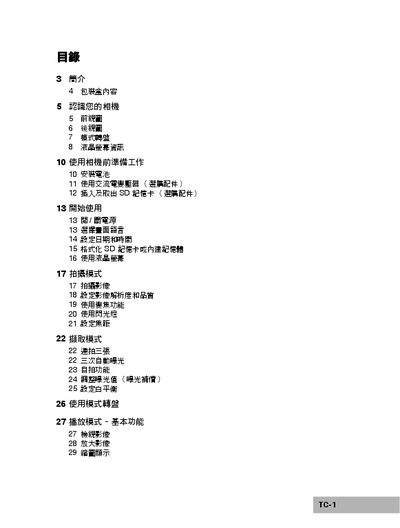
This manual walks you through preparing the camera, installing accessories, and configuring basic settings such as language, date, time, and storage formatting. It also explains how to use the LCD screen, select shooting modes, adjust focus, and operate the flash and selfie functions.
Later sections cover playback and video modes, connecting the camera to a PictBridge‑compatible printer, transferring files to a computer via USB, installing the provided software suite, and using the camera as a video webcam. The final part lists the camera’s technical specifications. This manual is written in Chinese.
| Image sensor | CCD |
|---|---|
| Effective pixels | 6.36 MP |
| Maximum image resolution | 2816 × 2112 |
| Video resolution | 320 × 240 (QVGA) |
| Built‑in memory | 8 MB |
| Lens aperture (wide/tele) | f/2.8 / f/4.8 |
| Focal length (35 mm equiv.) | 34 mm – 102 mm |
| LCD size | 2.36 inch TFT |
| Dimensions | 88.5 × 60 × 28 mm |
| Weight | ≈130 g (without battery and SD card) |
There are seven shooting modes that can be selected based on shooting conditions.
The camera offers 2‑second, 10‑second, and 10 + 2 second self‑timer functions.