
This is a ViviCam F536 digital camera user manual, which introduces the camera's various functions and how to use it
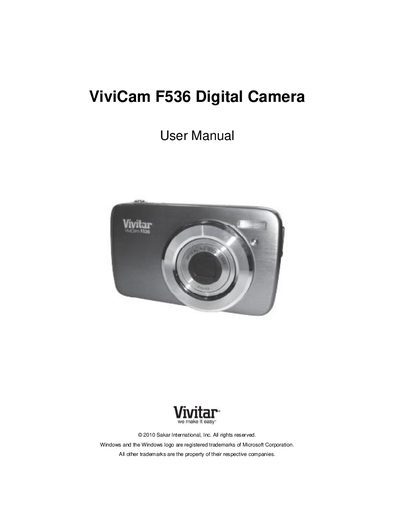
This manual provides step‑by‑step instructions for getting the Vivitar ViviCam F536 ready for use, including battery installation, SD‑card insertion, language selection, and initial date‑time setup. It also describes each camera mode—photo capture, video capture, and playback—and how to navigate the menus.
Additional sections cover connecting the camera to a computer, installing the Vivitar Experience Image Manager software, transferring media, and warranty information. A troubleshooting guide answers common issues such as missing images after transfer and data‑loss concerns.
Make sure you actually took photos; if the camera powers off before the transfer, the images may not be saved. When photos are stored on the SD card, they will appear after a successful transfer.
The camera requires an SD card for normal use, and images remain on the card even if the camera powers off. Download your photos to your computer as soon as possible to avoid accidental loss.
Deleted images are sent to your computer’s Recycle or Trash Bin, where they can be restored.