
This document is the user manual of DVR 508 digital video camcorder. It introduces the features and usage of the camcorder.
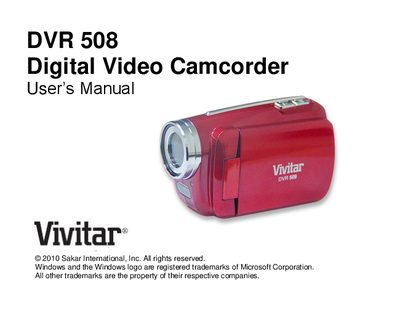
This manual introduces the Vivitar DVR 508 camcorder, lists its key features such as 5 operating modes, HD video resolutions, and a 1.8" TFT LCD. It details what is included in the package, system requirements for Windows, Vista/7, and Macintosh, and shows a quick look at the camera controls.
The guide explains how to insert batteries and an SD/SDHC memory card, how to capture video, photos, and audio, and how to connect the camcorder to a TV or computer using the Vivitar Experience Image Manager software. It also contains troubleshooting tips and a FAQ section that addresses common issues like power problems and file transfer errors.