
This manual is the user manual for the DVR 810HD digital video camera, which introduces the features and usage methods of the product.
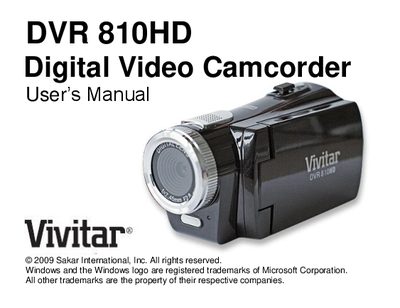
The manual introduces the Vivitar DVR 810HD camcorder, outlines its key features, lists the items included in the package, and details the computer system requirements for Windows XP, Vista, and Macintosh. It also provides a quick visual guide to the camera’s controls and dial modes.
Further sections explain how to prepare the camera for use, install batteries and an SD memory card, operate the DVR functions, install the Vivitar Experience Image Manager software, and transfer photos and videos to a computer. The document finishes with maintenance tips, a warranty card, technical specifications, and a troubleshooting guide.
| Dial modes | 5 (Camera, Video, Audio, Playback, Set Up) |
|---|---|
| Video resolution | 1280x720 (HD), 640x480 (VGA), 320x240 (QVGA) |
| Camera resolution | 8.1 MP; selectable 8M, 7M, 5M, 3M, 2M, 1.3M |
| LCD size | 2.7" TFT LCD |
| Digital zoom | 8× |
| External memory support | SD memory card up to 8 GB |
| Battery type | 4 AAA alkaline (not included) |
| Built‑in microphone | Yes |
Install the Vivitar Experience Image Manager software, connect the camcorder to the PC via the USB cable, and use the “Get Images” function to download the media.
The camcorder uses four AAA alkaline batteries (not included).