
This manual introduces how to use ViviCam X026 digital camera. This camera supports high definition resolution and water resistant function, making it easy to capture special moments.
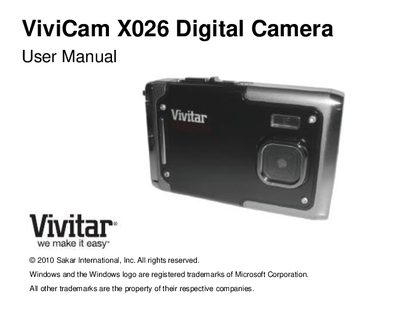
This manual introduces the Vivitar ViviCam X026 digital camera, its included accessories, and basic handling tips. It explains the camera’s high‑definition capabilities, water‑resistance rating, and the requirement for an SD memory card.
Key sections cover technical specifications, battery charging, initial setup, menu navigation, photo and video capture modes, computer transfer procedures for Windows and Mac, and a troubleshooting guide for common issues such as missing images or accidental deletions.
| Image Sensor | CMOS Sensor |
|---|---|
| Image Resolution | 4000x3000 (12 MP), 3264x2448 (8 MP), 2592x1944 (5 MP), 2048x1536 (3 MP), 640x480 (VGA) |
| Video Resolution | 640×480 px, 320×240 px |
| File Format | JPEG / AVI |
| Internal Memory | 32 MB |
| External Memory | SD Card up to 32 GB |
| LCD Display | 2.4‑inch TFT LCD |
| Lens | 6.5 mm focal length, f/3.1 |
| Digital Zoom | 4× |
| Interface | USB 2.0 |
Make sure photos were actually taken and saved to the SD card; if they are on the card they will appear after transfer.
Use an SD card for storage and download your photos to a computer as soon as possible.
Deleted images are moved to the computer’s Recycle/Trash Bin and can be restored from there.