
ViviCam T327 Digital Camera User Manual, includes the camera's features, usage methods, maintenance, etc.
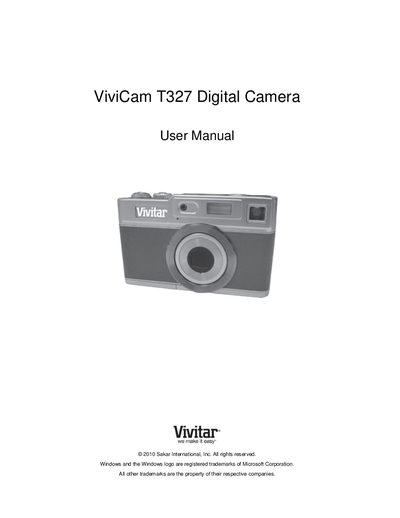
This manual guides you through everything you need to start using the Vivitar ViviCam T327 digital camera, from unpacking and installing the battery and SD card to navigating the various shooting modes. It also covers how to connect the camera to a computer, transfer photos and videos, and install the accompanying software.
Additional sections explain camera maintenance, warranty information, technical support contacts, and detailed troubleshooting steps for common issues such as missing images after transfer or accidental deletion of files.
| Maximum SD Memory Card Capacity | 32GB |
|---|---|
| Battery Type | Lithium |
Deleted images are moved to your computer's Recycle or Trash Bin by the Vivitar Experience Image Manager and can be restored from there.
Use the date setup screen, adjust the values with the + and – buttons, then press the SET button to confirm.