
ViviCam F529 Digital Camera User Manual introduces the functions and usage of the camera.
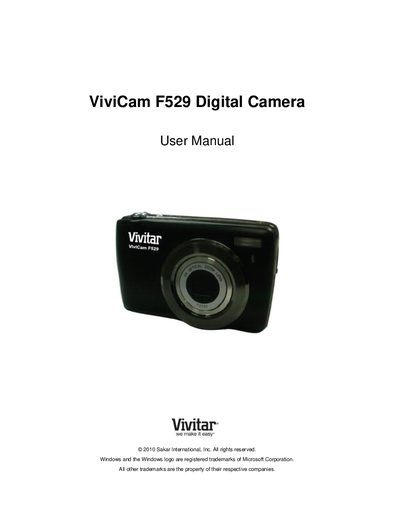
This manual provides step‑by‑step instructions for initial setup, language selection, date and time configuration, and using the ViviLink feature to share photos and videos. It also describes each camera mode—photo capture, video capture, and playback—so users can quickly start shooting.
Technical specifications such as sensor type, image and video resolutions, lens details, zoom capabilities, and battery information are listed, along with warranty and support contacts for Sakar International, the document’s copyright holder.
| Image Sensor | CMOS Sensor |
|---|---|
| Maximum Image Resolution | 14 MP (4416 × 3312) |
| Video Resolution | 640 × 480 px at 30 fps |
| File Format | JPEG / AVI |
| External Memory | SD Card up to 32 GB |
| LCD Display | 2.7‑inch TFT |
| Lens Focal Length | F = 3.0‑5.5 |
| Zoom | 4× Digital, 5× Optical |
| Battery | Lithium Battery (BL‑5B) |
If the camera powers off before the upload, the photos are not stored in the camera’s memory; ensure the camera stays on and that photos are saved to the SD card before transferring.
Deleted images are moved to the computer’s Recycle or Trash Bin and can be recovered from there.