
This manual provides instructions for using the ViviCam X029 digital camera.
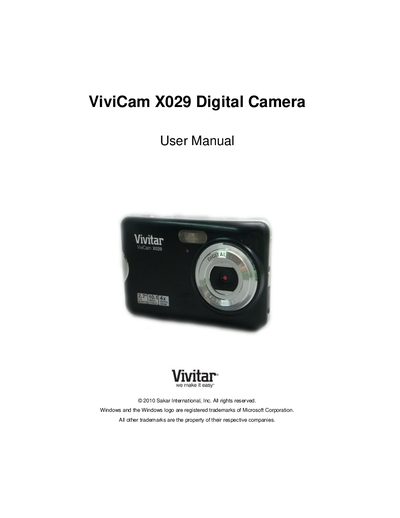
The ViviCam X029 digital camera manual welcomes the new owner, lists the items included with the camera (digital camera, lithium battery, USB cable, wrist strap, AC charger, etc.) and notes that an SD memory card (up to 32 GB) is required for normal use. It also thanks the user for the purchase and encourages reading the manual carefully.
The guide walks you through quick setup, explains each part of the camera, and describes all operating modes such as Photo Capture, Video Capture, and Playback. It includes technical specifications, battery‑charging instructions, system requirements for Windows and Mac, warranty information, technical support contacts, and a troubleshooting section that answers common questions about image transfer, data loss prevention, and file recovery.
| Image Sensor | CMOS Sensor |
|---|---|
| Image Resolution | 3648x2736 (10 MP) |
| Video Resolution | 640 × 480 pixels @ 30 fps |
| LCD Display | 2.7 inch TFT LCD |
| Lens | f=7 mm, F3.0 |
| Digital Zoom | 4 × |
| External Memory | SD Card (up to 32 GB) |
| Battery | Lithium (BL‑4C) |
Deleted images are moved to your computer’s Recycle or Trash Bin, where they can be restored.