
This document is the user manual of the DVR 830XHD digital video camcorder
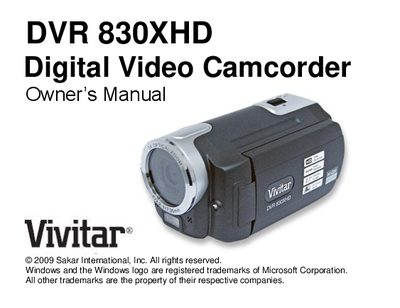
The DVR 830XHD is a digital video camcorder that records HD video, captures still photos, and records audio. It features a 2.7" TFT LCD, 3× optical zoom, multiple photo resolutions up to 12 MP, and supports SD memory cards up to 8 GB.
This manual covers unpacking, battery charging, inserting and formatting SD cards, menu navigation, video and audio recording, playback, connecting to a TV via HDMI, system requirements for PC transfer, and troubleshooting common issues such as power problems and memory errors.
| Video resolution | 1280x720 (HD) and 720x480 (SD) |
|---|---|
| Photo resolution | 12 MP, 8 MP, 5 MP, 3 MP, 0.3 MP |
| LCD size | 2.7" TFT LCD |
| Optical zoom | 3× Optical Zoom |
| External memory support | SD memory card up to 8 GB |
| Battery type | Lithium‑ion rechargeable battery |
| Built‑in audio | Microphone and speaker |
| Internal flash memory | Limited internal flash memory |
Deleted images are moved to the computer’s Recycle or Trash Bin and can be restored from there.