
This document is the user manual for ViviCam 8690 Digital Camera, which introduces the main features and functions of the camera, as well as the precautions and maintenance methods for using the camera.
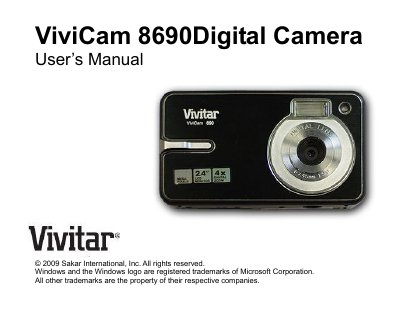
This manual introduces the ViviCam 8690 digital camera, its key features such as an 8.1 MP CMOS sensor, 2.4‑inch TFT LCD, 4× digital zoom, and support for SD cards up to 8 GB. It explains what is included in the package, system requirements for Windows and Mac, and how to install batteries and an SD card.
The guide covers camera operation modes (photo, video, playback), how to connect the camera to a computer via USB, transfer media on Windows or Macintosh, and basic maintenance and warranty information. Technical specifications and a troubleshooting section are provided for reference.
| Image Sensor | CMOS Sensor |
|---|---|
| Maximum Image Size | 3264 × 2448 pixels (8 MP) |
| Video Resolution | 640 × 480 pixels at 24 fps |
| External Memory | SD / MMC Card up to 8 GB |
| LCD Display | 2.4‑inch TFT LCD |
| Digital Zoom | 4× |
| Battery Type | 3 × AAA (4.5 V) |
The camera requires three AAA alkaline batteries.
The camera supports SD memory cards up to 8 GB.