
This document is the owner's manual of DVR510N Digital Video Camcorder. It includes key features, computer system requirements, a quick look at the camcorder, software installation, starting the camcorder, TV out function, manual file transfer, transferring videos to PC using the software, maintenance of the camcorder, technical support, warranty card, technical specifications, and troubleshooting.
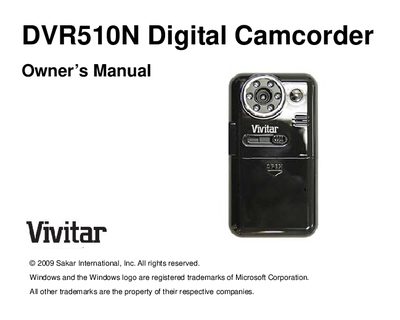
This manual introduces the DVR510N digital camcorder, its key features such as 640×480 VGA video, 1.8" LCD, 8× digital zoom, infrared night vision, 2 GB internal NAND flash and support for up to 8 GB SD cards, and lists the items included with the product.
It explains how to prepare the camcorder for use, install the Quickflix Companion and Video Express software on Windows or Mac, connect via USB, transfer files, and perform basic maintenance. Battery installation, system requirements, and troubleshooting steps are also covered.