
This ViviCam F332 Digital Camera User Manual introduces the features and usage methods of the camera.
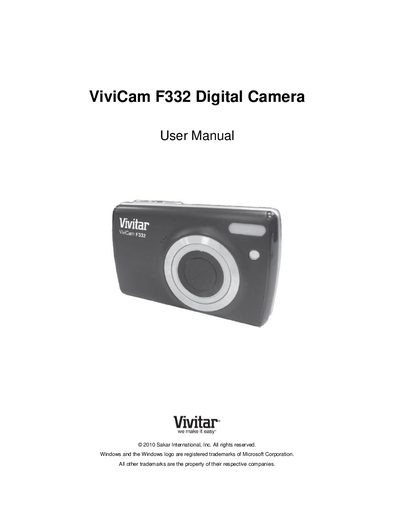
This manual guides you through the initial setup of the Vivitar F332 digital camera, including battery installation, SD card insertion, language selection, and date/time configuration. It also explains the camera’s main modes—photo capture, video capture, and playback—plus how to navigate menus and use the built‑in flash and LED.
Further sections cover connecting the camera to a computer, installing the Vivitar Experience Image Manager software, transferring media, warranty information, technical support contacts, and troubleshooting common issues such as missing photos after transfer or accidental deletions.
| Battery type | 3 x AAA (1.5 V) Alkaline recommended |
|---|---|
| Memory card capacity | Up to 32 GB SD Memory Card |
| LCD screen | LCD screen for display |
| Flash | Flash Light |