
This manual introduces the usage of DVR 820HD Digital Video Camcorder. It includes product features, computer system requirements, product appearance, use preparation, video shooting, still image shooting, audio recording, playback mode, AV mode, connecting DVR with PC, connecting DVR with printer, installing Vivitar Experience Image Manager software, connecting camera to computer, getting photos and videos from camera etc.
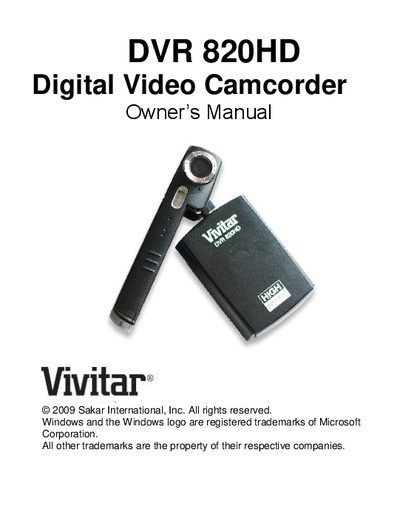
This Owner's Manual introduces the Vivitar DVR 820HD digital video camcorder, covering its key features, included accessories, and system requirements for Windows, Vista, and Macintosh. It guides users through preparing the camcorder, inserting an SD memory card, and using the various recording modes.
Detailed sections describe how to power on the device, capture video, photos, and audio, connect to a TV or computer, and install the Vivitar Experience Image Manager software. Technical specifications and a troubleshooting guide are provided for quick reference.