
ViviCam T030 Digital Camera User Manual, introduce the main functions and features of the camera, including taking photos, video recording, connecting to computer
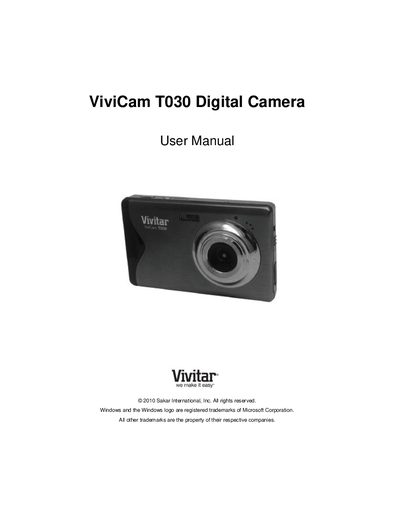
This manual covers everything you need to start using the Vivitar T030 digital camera, from unpacking the accessories and installing the battery and SD memory card to navigating the menu and selecting camera modes. Quick setup steps, a description of each button and part, and detailed instructions for photo, video, and playback modes are included.
Technical specifications such as sensor type, image and video resolutions, lens details, and system requirements are listed, along with warranty information, support contacts, and troubleshooting tips for common issues like missing transferred images or data loss prevention.
| Image Sensor | CMOS Sensor |
|---|---|
| Maximum Image Resolution | 4000x3000 (12 MP) |
| Video Resolution | 640x480 pixels (30 fps) |
| Lens | f=7.45mm F3.0 |
| Digital Zoom | 4X |
| LCD Display | 3.0‑inch TFT LCD |
| External Memory | SD Card (up to 32 GB) |
| Battery | Lithium (BL‑4C) |
| ISO Range | Auto / 100 / 200 / 400 |