
This document is the user manual for ViviCam T026 digital camera, which introduces the technical specifications, usage, and maintenance of the camera.
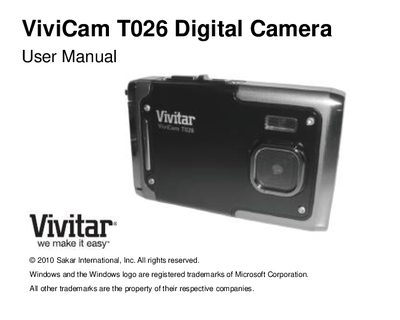
This manual covers everything you need to get started with the ViviCam T026, including the items included in the package, detailed technical specifications, and system requirements for Windows and Macintosh computers. It also walks you through initial setup, battery charging, and how to navigate the camera's menus and modes for photo and video capture.
Additional sections explain how to connect the camera to a TV, install the provided software, transfer images and videos to a computer, and perform routine maintenance. The troubleshooting guide and warranty information help resolve common issues and provide support contacts.
| Image Sensor | CMOS Sensor |
|---|---|
| Image Resolution | 4000x3000 (12M), 3264x2448 (8M), 2592x1944 (5M), 2048x1536 (3M), 640x480 (VGA) |
| Video Resolution | 640×480 pixels, 320×240 pixels |
| File Format | JPEG / AVI |
| Internal Memory | 32 MB |
| External Memory | SD Card (up to 32 GB) |
| LCD Display | 2.4‑inch TFT LCD |
| Battery | Lithium 3.7 V |
Deleted images are moved to your computer's Recycle or Trash Bin and can be restored from there.