
This is a user manual for ViviCam T027 digital camera, introducing the camera's usage method, technical specifications, system requirements, etc.
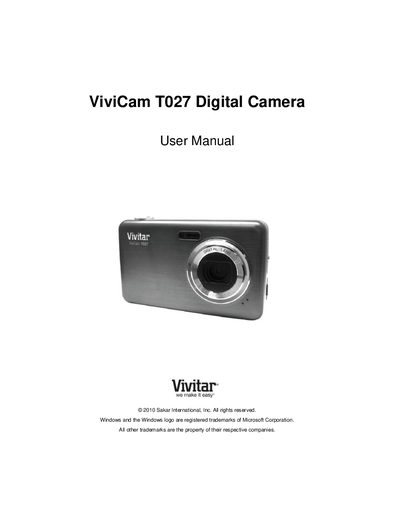
This manual provides step‑by‑step instructions for getting started with the Vivitar T027 digital camera, including battery installation, SD‑card insertion, language selection, date‑time setup, and configuring the ViviLink social‑media feature. It also describes each camera mode—photo capture, video capture, and playback—and how to navigate the menus.
Technical details such as sensor type, image and video resolutions, lens specifications, zoom, ISO settings, and USB interface are listed, followed by warranty information, technical support contacts, and troubleshooting tips for common issues like image transfer and accidental deletion.
| Image Sensor | CMOS Sensor |
|---|---|
| Maximum Image Resolution | 12M (4000x3000) |
| Video Resolution | 640×480 px @ 30 fps |
| LCD Display | 2.7‑inch TFT |
| Lens | f=7.45 mm, f/3.0 |
| Digital Zoom | 4× |
| ISO Sensitivity | Auto / 100 / 200 / 400 |
| Battery | 3 × AAA (1.5 V) |
| Operating Temperature | 0 °C – 40 °C |
| Interface | USB 2.0 |
Deleted images are moved to the computer’s Recycle or Trash Bin and can be restored from there.