
This is a user manual for ViviCam T532 digital camera, which introduces the camera's usage, functions, features and maintenance methods.
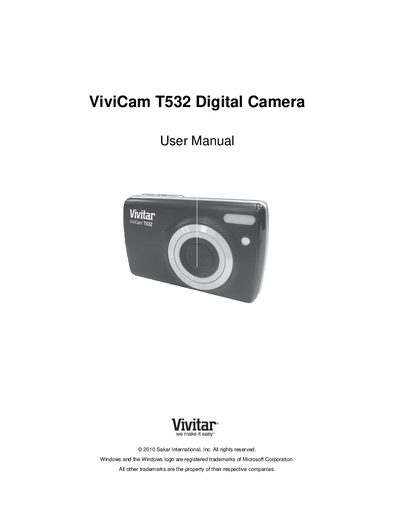
This manual introduces the ViviCam T532 digital camera, lists the items included in the package, and explains the basic components such as the power button, LCD screen, and memory card slot. Initial setup steps cover battery installation, inserting an SD memory card (up to 32 GB), and selecting language, date, and time.
The guide details each camera mode—Photo Capture, Video Capture, and Playback—along with menu navigation, technical specifications, warranty information, and support contacts. Troubleshooting tips address common issues like missing transferred photos and accidental image deletions.