
ViviCam 8324 Digital Camera Owner's Manual, includes the product's features, usage instructions and solutions to common problems.
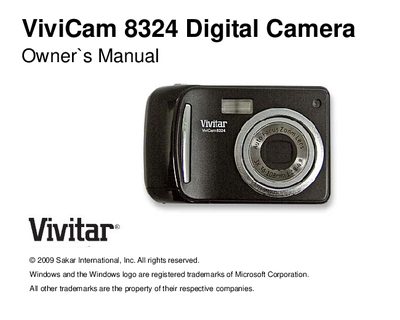
This manual introduces the Vivitar ViviCam 8324 digital camera, its key features, and what is included in the package. It guides users through preparing the camera, installing an SD memory card, and using the various shooting modes.
The document also covers computer system requirements for transferring photos, detailed technical specifications, and a troubleshooting section that addresses common issues such as missing photos or compatibility with Mac computers.
| Image Sensor | CMOS |
|---|---|
| Maximum Image Resolution | 3264 × 2448 (8 MP) |
| Video Resolution | 640 × 480 (VGA) / 320 × 240 (QVGA) |
| LCD Display | 2.4‑inch TFT |
| Optical Zoom | 3× (36‑108 mm) |
| Digital Zoom | 8× |
| External Memory | SD card up to 8 GB |
| Battery | 3 × AAA alkaline batteries |
| Interface | USB 2.0 |
For Windows XP you need a Pentium III processor, 128 MB RAM, 150 MB free disk space, a USB interface, a CD‑ROM drive, and a 1024 × 768 screen; Windows Vista and Mac requirements are listed similarly.
The camera operates on three AAA alkaline batteries; insert them with the correct polarity and close the battery door.