
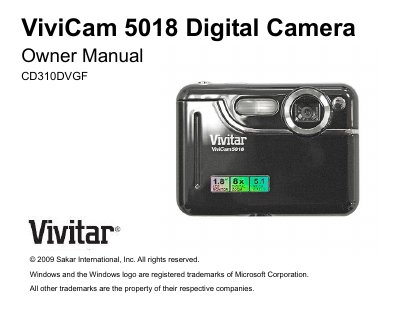
This manual guides users through setting up and operating the ViviCam 5018 digital camera, including inserting batteries and SD cards, taking photos and videos, and transferring media to a computer. It also covers system requirements for Windows and Mac, maintenance tips, and troubleshooting common issues.
The camera features a 5.1-megapixel sensor, 8MB internal memory, and supports SD cards up to 8GB. It includes PhoTags Express software for managing photos and videos. The manual provides detailed instructions for connecting the camera to a PC, downloading media, and resolving software or hardware issues.
| Sensor | CMOS sensor |
|---|---|
| Image resolution | 5M, 3M, 2M, VGA |
| Lens | f=7.23mm, F2.8 |
| Internal memory | SD RAM 8MB |
| External memory | Support SD card up to 8GB |
| Flash | Auto/force on/red eye reduction/off |
| Self-timer | 10S |
| Battery | 2*AAA batteries |
| Transmission interface | USB V1.1 |
| Working temperature | 0~40℃ |
| Computer system | Windows XP/Vista/Mac OS X (10.2.6 or higher) |
First ensure you’ve taken photos. Press the Shutter/OK button to take sample photos, then try downloading again. If the issue persists, check if your computer meets the minimum system requirements. If it does and you still have photos, reinstall the PhoTags Express software.
Your camera uses SDRAM memory, which requires constant power. If the camera loses power, all stored photos will be lost. Always download your photos to your computer as soon as possible to prevent data loss.
Unfortunately, the camera requires a Windows operating system. There is no Mac driver available and no current plan to develop one.