
The ViviCam X024 Digital Camera User's Manual describes the features and characteristics of the camera.
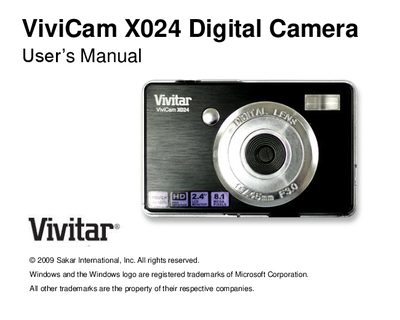
This manual introduces the Vivitar X024 10.1‑megapixel digital camera, its key features such as 8× digital zoom, anti‑shake, face detection, and video recording capabilities. It explains what is included in the package and the system requirements for Windows and Mac computers.
The guide walks you through preparing the camera, installing an SD memory card, using the various camera modes, transferring photos and videos to a computer with the Vivitar Experience Image Manager, and troubleshooting common issues. Technical specifications and warranty information are provided in the appendices.
| Image Sensor | CMOS Sensor |
|---|---|
| Image Resolution | 3648x2736 (10 MP) up to 640x480 (VGA) |
| Video Resolution | 640×480 (VGA) and 320×240 (QVGA) |
| LCD Display | 2.4‑inch TFT |
| Zoom | 8× Digital Zoom |
| Battery | 3 × AAA batteries (alkaline recommended) |
The camera may not have stored any photos, or the photos were not transferred before the camera powered off. Ensure you have taken photos, then retry the download, or use the SD card to retrieve them.