
This manual introduces the use of ViviCam 8018 8.1 Mega-Pixel Digital Camera
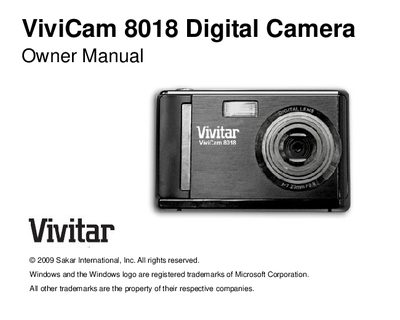
This manual introduces the ViviCam 8018 digital camera, highlighting its 8.1‑megapixel sensor, multiple image resolutions, 1.8‑inch TFT LCD, 8× digital zoom, built‑in flash, and SD card support up to 8 GB. It outlines the key features, contents of the package, and the computer system requirements for Windows XP, Vista, and Macintosh.
The guide walks users through battery installation, SD memory‑card insertion, basic camera operation (photo, video, playback modes), and software setup with PhoTags Express. It also includes maintenance tips, a warranty card, technical specifications, and a troubleshooting section for common issues such as “no photos in camera.”
| Megapixels | 8.1 MP |
|---|---|
| Maximum still image resolution | 3264 × 2448 pixels (8 MP) |
| LCD size | 1.8‑inch TFT |
| Digital zoom | 8× |
| SD memory‑card capacity | up to 8 GB |
| Video resolution | 640 × 480 (VGA) and 320 × 240 (QVGA) |
Open the side battery compartment, insert three AAA batteries with the correct polarity facing up, and close the compartment.
Locate the SD card slot, insert the card in the correct direction until it clicks, and ensure the top of the card is flush with the surface.
A Pentium III processor or higher, 128 MB RAM, at least 150 MB free disk space, a USB interface, CD‑ROM drive, 1024 × 768 screen resolution, and a 16‑bit color display.