
ViviCam T328 Digital Camera User Manual, introduces the camera's features and usage methods
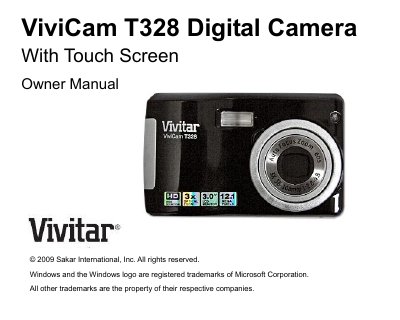
This manual introduces the Vivitar T328 12.1‑megapixel touch‑screen digital camera, lists its key features, and details the items included in the package. It also specifies the minimum computer system requirements for Windows and Mac OS X when transferring photos.
The guide walks users through preparing the camera, installing the lithium‑ion battery and SD memory card, operating the camera in various modes (photo, video, playback, and setup), using the PhoTags Express software, and transferring images to a PC or Mac. Appendices provide full technical specifications, warranty information, and troubleshooting tips.
| Image Sensor | CMOS Sensor |
|---|---|
| Video Resolution | 640×480, 320×240 pixels |
| LCD Display | 3.0‑inch TFT LCD Touch Screen |
| Lens | 8× Digital Zoom, 3× Optical Zoom, f=7.23 mm, F2.8 |
| External Memory | SD / MMC Card up to 8 GB |
| Battery | Lithium rechargeable battery |
| Operating Temperature | 0 ~ 40 °C |