
This is the user manual for ViviCam 8025 8.1 Mega-Pixel Touch Screen Digital Camera. It introduces the features and usage of the camera.
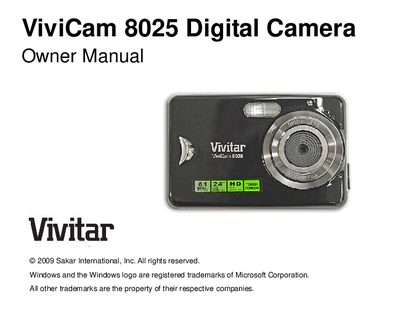
This manual introduces the ViviCam 8025 8.1‑mega‑pixel touch‑screen digital camera, its key features, and what is included in the package. It also provides system requirements for Windows, Vista, and Macintosh computers to transfer photos and videos.
Detailed sections cover preparing the camera, installing the lithium battery and SD memory card, using the camera to take photos and videos, installing the PhoTags Express software, and troubleshooting common issues such as “No photos in camera” errors.
| Megapixels | 8.1 MP |
|---|---|
| LCD | 2.4‑inch TFT touch‑screen |
| Digital Zoom | 8× |
| Video resolution | 640×480 (VGA) and 320×240 (QVGA) |
| SD card capacity | Up to 8 GB |
| Built‑in flash | Yes |
Make sure you have actually taken photos, verify that your computer meets the minimum system requirements, and reinstall the PhoTags Express software if needed.
Insert an SD card (up to 8 GB), and regularly download the images to your computer to free space and keep a backup.
Yes, the device functions as a removable disk on Mac OS 9 and later, allowing manual access to images.