
This document provides instructions on how to create video discs, audio discs, data discs and copy discs using Nero 7.
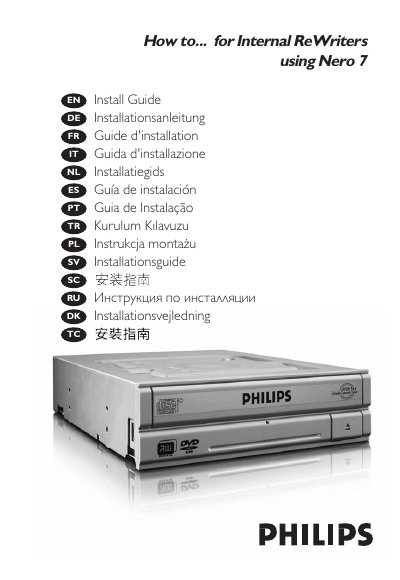
This guide explains how to install the Nero 7 software on a PC, including safety precautions such as handling static‑sensitive components and connecting the IDE cable correctly. It also covers basic operations like updating the software, creating video discs, making audio or data discs, and copying existing discs.
Additional sections provide troubleshooting help, safety warnings for laser‑based devices, and EMF information for Philips products that may be used with the software. Links to Philips support sites are included for further assistance.
Do not remove the cover or service the device while it is powered, as the laser can cause eye damage.
Visit the Philips website at www.philips.com/storageupdates for more details on EMF and safety standards.