
This document describes how to install the driver for internal rewriters using Nero 6.6.
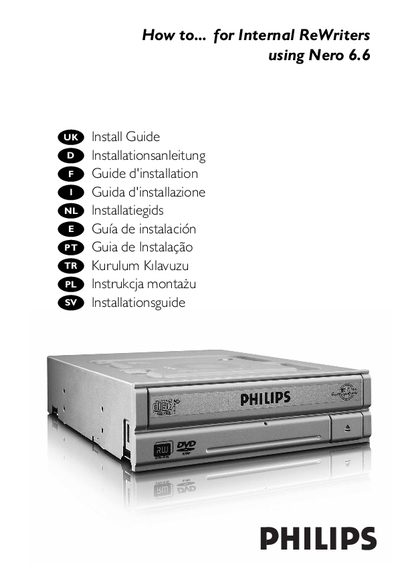
This manual explains how to install the Philips Nero 6.6 DVD‑ReWriter in a computer, capture video from a DV‑camcorder, create video, data and audio discs, and copy discs. It also includes warranty, environmental and safety notices.
The guide is organized into sections on installation steps, jumper settings (Master/Slave), IDE‑cable connections, laser safety precautions, and troubleshooting tips. Multilingual tables of contents are provided for several European languages.
| Laser wavelength (CD) | 775‑795 nm |
|---|---|
| Output power (Read) | 1.4 mW – 2.5 mW |
| Output power (Write, CD) | 90 mW |
Do not remove the cover or attempt to service the device while it is connected, and avoid exposure to the laser beam.
Connect the IDE cable as shown in the illustrated examples, ensuring that you do not place two Master or two Slave devices on a single cable.
Choose "Master" or "Slave" for the jumper as described in steps 7, 8 or 9, depending on whether another drive is already present.