
This document is an installation guide for internal S-ATA rewriters using Nero 7. It provides detailed instructions on how to install the rewriter, how to create video, data, or audio discs, and how to copy discs. It also includes information on updating software and obtaining further assistance.
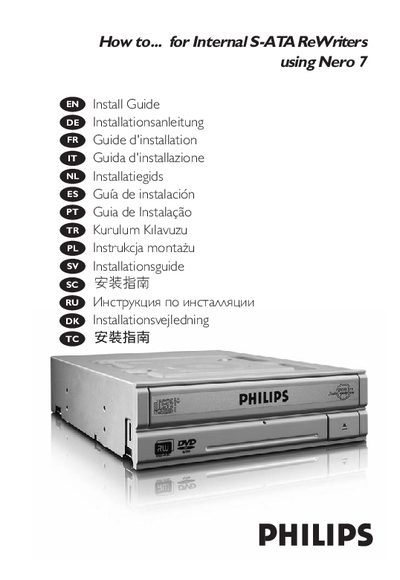
The guide provides step‑by‑step instructions for installing the internal S‑ATA rewrites in a computer, connecting the SATA power and data cables, and ensuring safe handling to avoid electrostatic damage. It also covers updating the software and where to find additional help.
Further sections describe how to use Nero 7 to create video discs, audio or data discs, and how to copy existing discs. Safety precautions and connection diagrams are included to assist users during installation and operation.
Follow the installation steps outlined in the guide, which include mounting the drive and connecting the SATA cables.
Use the copy function in Nero 7 as described in the manual.
Visit the Philips website links provided at the end of the document.