
This document is an installation guide for an external hard disk drive, which explains how to connect the external hard disk to your computer, how to install the drivers, how to format the hard disk, and how to backup and restore data.
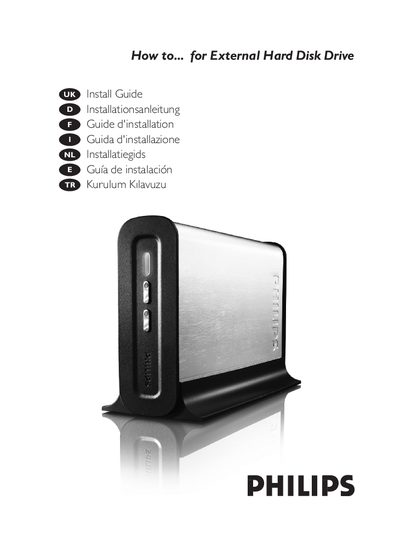
This manual provides step‑by‑step instructions for connecting the external hard disk to a computer via USB or FireWire, installing the device on Windows 98 SE and Windows ME, and safely disconnecting it. It also covers quick formatting, full formatting, using the One‑Click Backup and Safe Shutdown buttons, creating and restoring backups, defragmentation, and error checking.
Additional sections include warranty, environmental and safety information, as well as technical specifications such as interface types, storage capacities, transfer speeds, dimensions, and cache memory.
| Interface | USB 2.0 and FireWire 400 |
|---|---|
| Storage capacity | 160 GB / 250 GB |
| Rotational speed | 7200 RPM |
| Maximum USB transfer speed | 35 MB/s |
| Maximum FireWire transfer speed | 43 MB/s |
| Dimensions (W × H × D) | 143 mm × 220 mm × 49 mm |
| Cache memory | 8 MB |
Plug the USB cable into the USB port of the external HDD and then connect the other end to an empty USB port on the computer.
Use the safe removal procedure described in the manual before disconnecting the drive, without powering down the system.
The maximum USB transfer speed is 35 MB/s.
The drive includes 8 MB of cache memory.