
This document is the user manual of SPD5121/SPD5125/SPD5130 external hard disk, which introduces the features and characteristics of the product, as well as how to connect to the computer, use One-Click Back-Up button and Safe-Shutdown button, how to make a backup and restore, product warranty and other information.
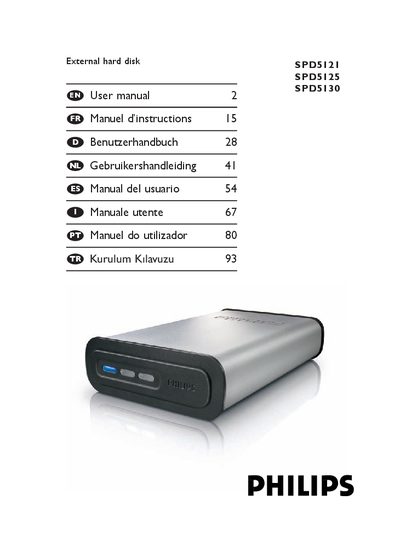
This manual covers everything you need to get started with the Philips SPD5121/5125/5130 external hard disk, including a list of items in the box and step‑by‑step instructions for connecting the drive via USB or eSATA. It also shows how to safely shut down the drive using the Safe‑Shutdown button and how to perform backups and restores with the supplied Nero software.
Additional sections describe warranty information, environmental and safety notices, and detailed technical specifications such as capacity, interface speeds, spindle speed, cache size, system requirements and supported operating systems.
| Interface | Hi‑Speed USB 2.0 and eSATA |
|---|---|
| Transfer speed (USB 2.0) | 480 Mb/s |
| Transfer speed (eSATA) | 2400 Mb/s |
| Spindle speed | 7200 rpm |
| Cache | Model dependent |
| System requirements (USB) | USB 2.0 (max transfer speed 480 Mb/s) |
| Supported operating systems | Windows 2000, Windows XP, Vista |
First install the Nero BackUp software from the supplied CD, then press the One‑Click Back‑Up button to launch the backup wizard and follow the on‑screen steps.