
This document is a user manual for a camera product, which introduces the components, accessories, usage, and shooting functions of the camera.
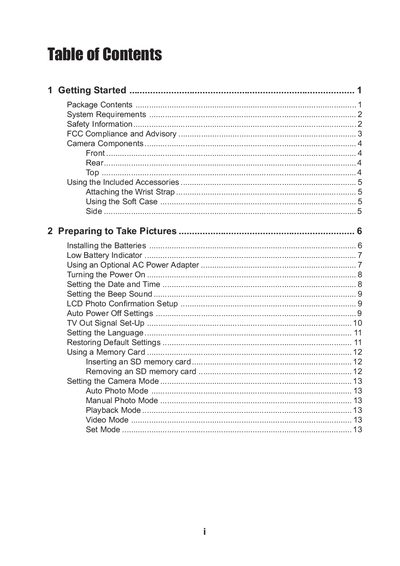
This manual covers getting started with the camera, including package contents, required system specifications, safety information, and how to attach accessories such as the wrist strap and soft case. It explains power options, battery installation, memory card usage, and basic configuration like language and date settings.
The guide details each camera mode—auto, manual, playback, video, and special functions—along with exposure, focus, white balance, and zoom controls. It also includes connection options for TV output and USB, software installation steps, and a full specifications table for the sensor, lens, resolution, ISO range, and power requirements.
| Sensor | 4.13 megapixel CCD |
|---|---|
| Still Image Resolution | 2272x1704 |
| Video Resolution | 320x208 |
| Dimensions | 107.5 x 60.5 x 35.7 mm |
Attach the wrist strap to the camera as shown in the illustration; avoid swinging the camera while it is attached.
Select the Format option in the menu to format the internal memory or an inserted SD card.
Insert the CD-ROM that came with the camera and run the driver installation program.