
This document is a user manual for the Canon IXY260
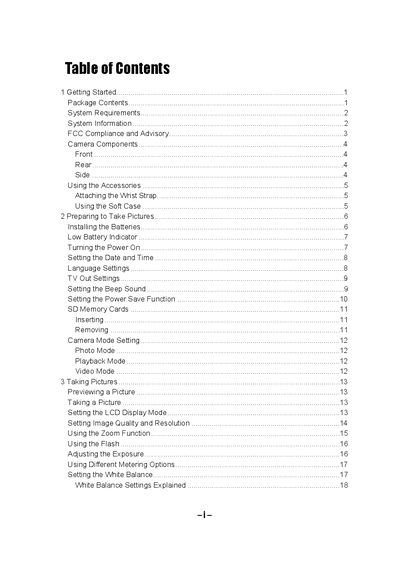
The manual begins with getting started instructions, including package contents, system requirements, safety warnings, and how to attach accessories such as the wrist strap and soft case. It then guides the user through battery installation, power‑on procedures, date/time settings, and basic camera mode selection for photo, video, and playback.
Further sections cover taking pictures, adjusting exposure, white balance, zoom, and flash, as well as reviewing and managing photos and videos. The guide also explains file naming, printing options, connecting the camera to a TV or computer via USB, installing the supplied software, and provides a detailed troubleshooting chapter for common issues such as power problems, flash failures, and image storage errors.
| Sensor type | CCD |
|---|---|
| Lens focal length | 5.69 - 16.29mm, 3X zoom, F2.66 - 4.92 |
| Focus range | 50 cm – infinity (10 – 50 cm in Macro Mode) |
| ISO/ASA range | 70 |
| Still image resolution | 1600×1200, 1024×768, 640×480 |
| Video resolution | 320×240 |
| Optical zoom | 3× |
| Digital zoom | 4× |
| Weight (without battery) | 150 g (5.19 oz) |
| Dimensions | 92 × 61.5 × 31.5 mm (3.6 × 2.41 × 1.24 in) |
Slide the battery cover in the direction of the arrow, open it, insert two AA‑size alkaline batteries with the correct polarity, and then slide the cover back into the closed position.
Install the supplied USB driver on the computer, then connect the camera to the computer using the USB cable.
The camera may be loaded with a memory card containing non‑EXIF images, which this camera cannot display.