
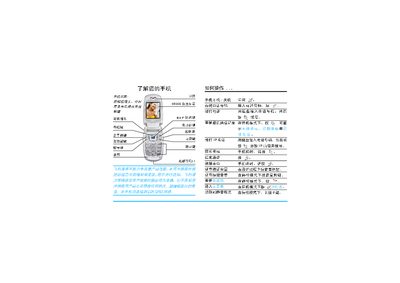
Philips Phone User Guide


Philips Phone User Guide - cover page
Brand
Philips
Category
Cell Phones
Document type
User Manual
Language
Chinese
Pages
57
File format
PDF
File size
1.4 MB
Published
23 March, 2012
Updated
29 May, 2012
MD5 checksum
A52EEF35AE1ECF5658F30B94074E7118

About this manual

The guide walks users through the initial setup of a Philips phone, including inserting the SIM card, charging the device, and making calls. It also describes how to adjust volume, switch to silent mode, and use the phone in standby.

Later sections provide safety precautions, warranty details, and instructions for handling water exposure or other damage. The document ends with service contact information and legal notices. This manual is written in Chinese.

What's inside

  • First Use
  • SIM Card Installation
  • Calling
  • Volume and Standby Modes
  • Silent Mode
  • Safety Information
  • Warranty and Service

Frequently asked questions

How do I insert the SIM card?

Insert the SIM card as shown in the first‑time use section of the guide.

How can I switch the phone to silent mode?

Switch to silent mode while the phone is in standby mode.

Download PDF (1.4 MB)

More Philips Manuals


View all Philips manuals →