
This document introduces the features and performance improvements of Philips mobile phones, including network connection, keyboard operation, dialing, and photography.
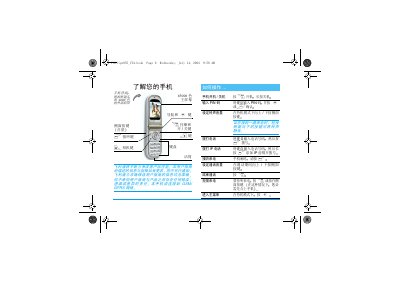
This guide walks you through the first‑time setup of the Philips 855 mobile phone, including inserting the SIM card, charging the battery, and configuring date, time, and PIN settings. It then details the main functions such as making and receiving calls, using the phonebook, sending SMS/MMS, accessing the camera, and browsing the web via WAP.
Additional sections cover advanced settings like voice control, call forwarding, infrared data transfer, multimedia playback, and troubleshooting. The manual also lists compatible Philips accessories and provides warranty and customer service information. This manual is written in Chinese.
| Talk time (max) | 2–4 hours |
|---|---|
| Standby time (max) | 200–400 hours |
| Full charge time | ≈1.45 hours |
| Battery charge indicator | 4 bars, each ≈25 % |
Press the power key (the ) button) to start the phone.
Enter the telephone number using the keypad and press the call key (.
A full charge takes about 1.45 hours under normal conditions.
Four charging bars appear, each representing roughly 25 % of the battery capacity.