
This manual introduces the basic operations of Philips phone, including turning on, turning off, making phone calls, answering phone calls, setting ringtones, checking phone books, etc.
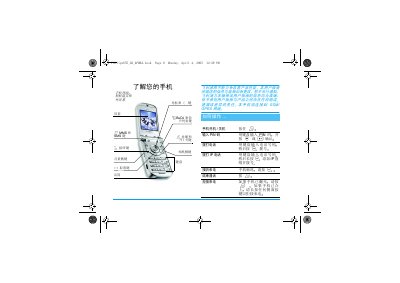
This guide introduces the Philips 655 mobile phone, covering first‑time setup, SIM insertion, battery charging, and basic navigation. It explains how to power the device on and off, enter PIN codes, and configure essential settings such as date, time, and language.
The manual details all main functions, including making and receiving calls, using SMS/MMS, accessing the phone book, camera operation, multimedia playback, and value‑added services like WAP and infrared data transfer. Safety notices, troubleshooting tips, and a list of official accessories are also provided. This manual is written in Chinese.
| Talk time (full charge) | 2–4 hours |
|---|---|
| Standby time (full charge) | 200–400 hours |
Press and hold the power key ( ) to power on the device.
Short‑press the side volume key to silence the ringtone.