
This manual contains basic operation methods of the phone, including turning on, turning off, making calls, answering calls, and viewing the phone book
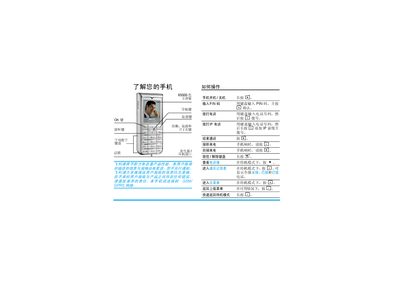
The user guide provides step‑by‑step instructions for using a Philips mobile phone, including inserting the SIM card and battery, powering on, making and receiving calls, using the keypad, navigating menus, and configuring settings such as ringtones and wallpapers.
It also describes the Philips Club online services, how to register the device, download multimedia content, and lists optional accessories like chargers, cases and headsets, along with warranty and service information. This manual is written in Chinese.
| Battery charging time | approximately 3.5 hours |
|---|---|
| Maximum talk time | up to 10 hours |
| Maximum standby time | up to 1000 hours |
Press and hold the power key ( ) to power on the device.
A full charge takes about 3.5 hours under normal conditions.
Philips recommends using Philips‑branded accessories such as the charger, battery, case and headset.