
This document is the user guide for Philips mobile phones. It mainly introduces the power on/off, dialing, answering, etc. of the mobile phone.
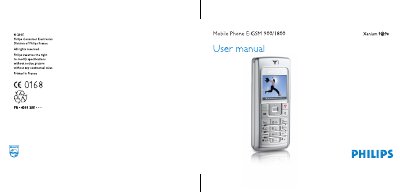
This user manual provides comprehensive operating instructions for the Philips Xenium 9@98 mobile phone. It guides users through initial setup including SIM card insertion, battery charging, and date/time setting. The manual covers main features such as making and receiving calls, text input methods, contact management, messaging, multimedia, and call information. It also details settings for sounds, display, security, network, and time/date, along with troubleshooting and information on Philips authentic accessories.
| Talk time | 2 to 7 hours |
|---|---|
| Standby time | 200 to 680 hours |
| Charging time | 2.30 hours |
Long press the power key to switch on the phone and enter the PIN code if required.
It takes around 2.30 hours to fully recharge the mobile phone battery.