
This manual provides a detailed introduction to the various functions and operating methods of the phone.
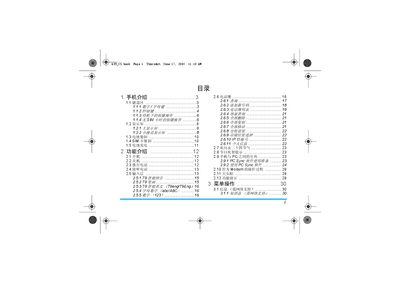
This guide covers the Philips 659 mobile phone, describing its dual‑LCD display, 25‑key keypad, battery and SIM handling, and the many built‑in functions such as calls, messaging, multimedia, and WAP browsing. It also includes safety warnings and warranty details.
Key sections explain how to install and remove the battery, insert the SIM card, charge the device, navigate menus, use the camera, manage contacts, and configure settings for network, sound, and security. The manual ends with accessory information, environmental disposal instructions, and customer service contacts. This manual is written in Chinese.
| Keypad keys | 25 keys (12 numeric/letter, 13 control) |
|---|
Place the battery so its three metal contacts align with the three metal strips in the battery slot, then push it down until it clicks into place.
With the phone turned off, remove the back cover, place the SIM card metal side down in the slot at the upper left, and push it in until it reaches the end.
Keep the phone at least 15 cm away from the pacemaker when turning it on, and avoid placing the phone in a chest pocket.
The phone has a total of 25 keys, including 12 numeric/letter keys and 13 control keys.