
This is a user manual for a Philips phone, which introduces the basic operation, function settings, common problems and other content of the phone.
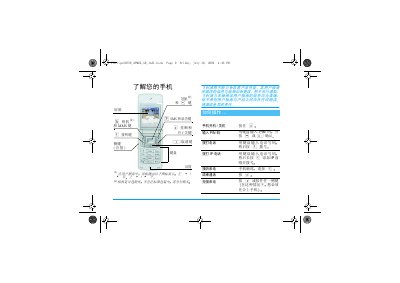
This guide provides step‑by‑step instructions for first‑time setup of the Philips XC650, including SIM card insertion, battery charging, and initial configuration of date, time, and language. It also describes how to navigate the main menu and use core functions such as calls, SMS, MMS, contacts, and camera.
Additional sections cover advanced settings like sound profiles, network options, security features, and accessories. Safety warnings, warranty information, and customer service contacts are included to help users keep the phone in good condition. This manual is written in Chinese.
| Charging time (full) | ≈1.45 hours |
|---|---|
| Talk time (max) | 2 – 8.5 hours |
| Standby time (max) | ≈1 month |
Press the power key ( ) to start the phone.
A full charge takes about 1.45 hours under normal conditions.
Press and hold the 0 key, then use the +/‑ keys to select a language and confirm with ,.