
This is a user guide for a mobile phone, including power on and off, dial phone, answer phone, set ringtone, set alarm clock and other operation instructions
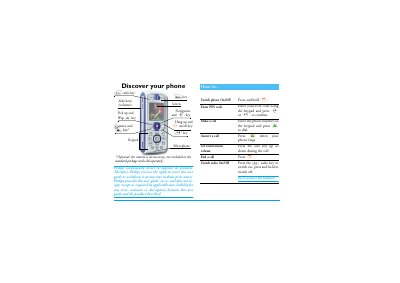
The guide provides step‑by‑step instructions for using a Philips mobile phone, from inserting the SIM card and charging the battery to navigating menus and customizing settings. It includes safety precautions, warranty information, and a list of authentic accessories.
Detailed sections cover making and receiving calls, managing the phonebook, using the FM radio, playing music, sending SMS, email and MMS, operating the camera, accessing WAP services, and troubleshooting common issues. The document also explains how to adjust volume, lock the keypad, set language, and configure network and security settings.
Press and hold the ) key to switch the phone on.
Enter the phone number on the keypad and press ( to dial.
Open the back cover, remove the old SIM, place the new SIM under the metal clip until it stops, then close the cover.