
This manual describes the features of Philips 588 mobile phone, including how to operate the phone, make calls, answer calls, record calls, turn on/off speakerphone etc
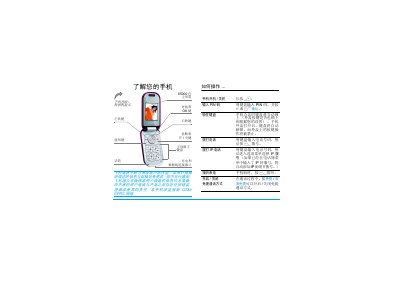
This guide provides step‑by‑step instructions for using the Philips 588 mobile phone. It covers basic operations such as powering on, inserting the SIM card, and navigating the main menu, as well as detailed descriptions of each function.
Key sections include call handling, text input, multimedia playback, WAP browsing, and access to the Philips Club services. Safety notes, troubleshooting tips, and a list of official accessories are also included. This manual is written in Chinese.
| Camera lens color depth | 65000 colors |
|---|
Enter the telephone number with the keypad and press the call key.
During a call, press the * key to start recording and press it again to stop.
Open the phone menu, go to WAP, then select the Philips Club bookmark or enter the URL http://www.club.philips.com.cn.