
This document introduces the usage of the earphones, including answering phone calls, hanging up/rejecting incoming calls, volume adjustment, redialing the last number, enabling voice dialing, transferring calls to phone/earphones, removing/inserting earphones, microphone mute, playing/pausing, next/previous track, FullSound (natural/dynamic bass), power on/off and other functions.
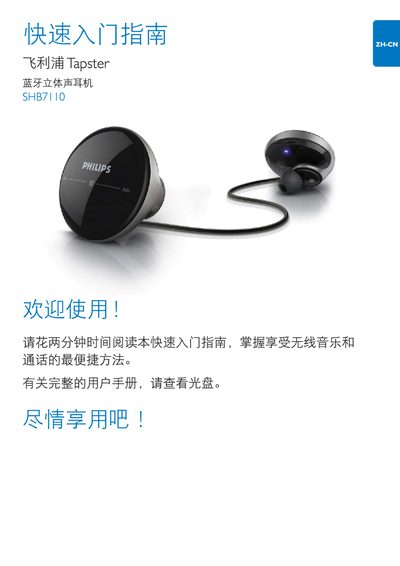
This guide provides a brief introduction to the Philips SHB7110 stereo earphones, explaining how to insert the earbuds, power them on, and pair them with a mobile phone. It includes instructions for entering the default PIN "0000" and shows the LED indicator status during pairing.
The document also describes the touch‑control functions on the earbud surface, how to adjust volume and playback by sliding fingers, and offers troubleshooting tips such as checking the touch control response and consulting the Philips support website for full instructions. This manual is written in Chinese.
Enter the default PIN "0000" when prompted during Bluetooth pairing.
Visit the Philips support site at www.philips.com/support for the complete manual.