
This document is the instruction manual for the Philips SBC RU 865/00 remote control. The remote control can replace up to six separate remote controls and is pre-programmed to operate with almost any brand of TV, VCR, satellite tuner, cable decoder, CD player, DVD player, tuner, amplifier and home cinema system.
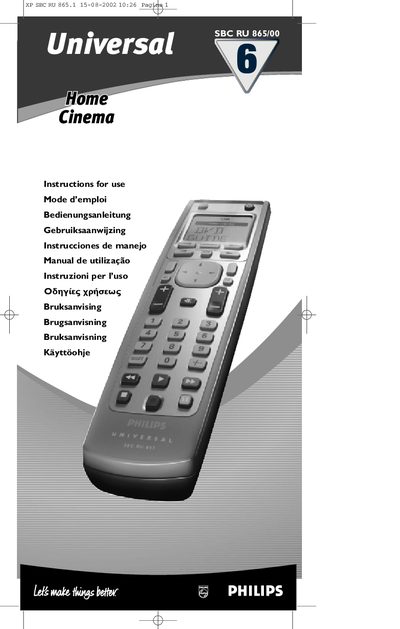
The manual introduces the Philips SBC RU865 universal remote, which can replace up to six separate remotes and is pre‑programmed for many TV, VCR, DVD, and audio devices. It features a back‑lit LCD display and runs on three 1.5 V batteries (UM3, LR6 or AA).\n\nThe guide covers the complete setup process, adding and removing devices, changing or searching for device codes, learning codes from an original remote, copying key functions, creating macros, and using programmable SMART CONTROLS. Warranty and guarantee information are also included.
| Battery requirement | Three 1.5 V batteries (UM3, LR6 or AA) |
|---|---|
| Operating modes | Six operating modes for up to six devices |
| Display | Back‑lit LCD display |
| Smart Controls capacity | Up to eight special functions per device mode |
It requires three 1.5 V batteries, either UM3, LR6 or AA.
Press and hold SETUP until the display lights up, use SMART CONTROLS to select ADD, confirm with SEND, then enter the device code with the numeric keys.
Yes. Hold SETUP, select KEY, then choose LEARN with SMART CONTROLS, press SEND, and point the original remote at the SBC RU865 to copy the code.