
This document is the user manual for Philips FunCam DMVC 300K digital camera, which provides instructions for installation, operation, and application of the camera. It can be used as a PC camera for video chat and video mail, as a digital camera for taking high-quality photos, and as a video camera for capturing video clips.
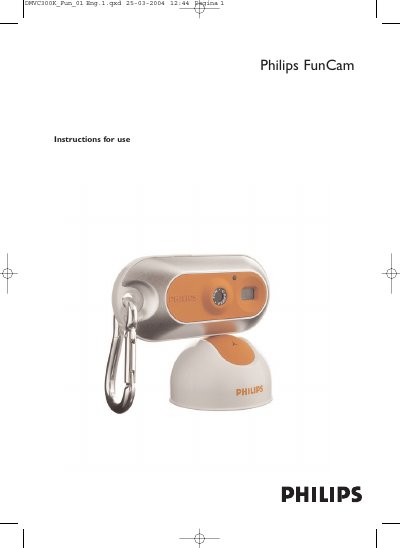
This manual guides you through installing the FunCam, connecting it to a PC, and using it as a webcam, digital camera, or video recorder. It includes safety precautions, quick‑start steps, and detailed functional overviews.
Technical specifications, warranty information, and helpline contacts are also provided, along with troubleshooting tips and instructions for transferring photos and videos to a computer.
| Image resolution | VGA (640 x 480) |
|---|---|
| Sensor | 1/4" VGA CMOS |
| Built‑in battery | Li‑polymer 150 mAh rechargeable via USB |
| PC interface | USB 1.1 |
| Internal memory capacity | 8 MB |
| Case material | Metal |
| Power‑up time | 2 seconds |
| Auto power‑off | 60 seconds |
| Still image format | JPEG |
| Video file format | AVI |
Connect the USB plug to a PC, place the camera’s USB connector on the stand until it clicks, and the charge LED will turn red while the battery charges.
The rechargeable battery has a six‑month guarantee.
Install the FunCam drivers and Philips Photo Manager, connect the camera via USB, then use the software’s ‘Get Photo’ function to select and transfer files.