
This is an instruction manual for the Philips universal remote control
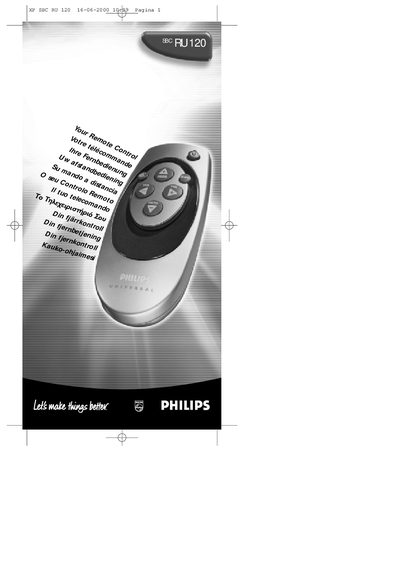
This guide introduces the Philips SBC RU120 universal remote, showing how to install the required two 1.5 V batteries (HO3, UM4 or AAA) and describing each key's basic function such as Power, Mute, Channel and Volume controls. It also explains the SHIFT‑modified functions for colour and brightness adjustments.
The manual provides step‑by‑step instructions for programming the remote to work with any TV brand using the code list, activating the Power‑Digit Toggle feature, and troubleshooting common issues like an unresponsive remote or missing codes. Contact information for Philips support and warranty details are included at the end.
| Battery type | Two 1.5 V batteries, type HO3, UM4 or AAA |
|---|---|
| Indicator LED | Green LED lights up to confirm transmission |
Insert two 1.5 V batteries (HO3, UM4 or AAA) as shown in the manual.
The green LED lights up to confirm that a code has been transmitted; it flashes twice when a code is stored.