
This manual describes how to use the remote control SBC RU 538/00.
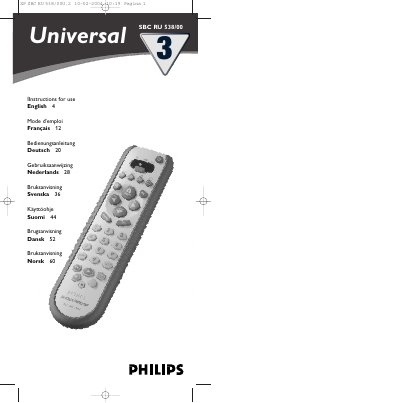
The Philips SBC RU 538/00U.2 is a universal remote control designed to operate up to three appliances: TV, VCR, and DVD players/recorders. After installing two AAA batteries, users can test the remote or manually program it using four-figure codes from the code list. The manual also describes automatic code search, mode selector adjustments, and adding extra functions via service codes. All operations are performed using the mode selector and numeric keys, with visual feedback from the green light in the selector window.
Look up the brand of your TV in the code list at the back of the manual, note the first four-figure code, select TV with the mode selector, then press keys 1 and 3 simultaneously until the green light flashes twice and enter the code.
With the TV switched on, press and hold keys 1 and 3 until the green light flashes twice, then briefly press the Standby key; the remote will emit 'TV off' signals one by one until the TV switches off, then press Standby twice within 1 second to confirm.