
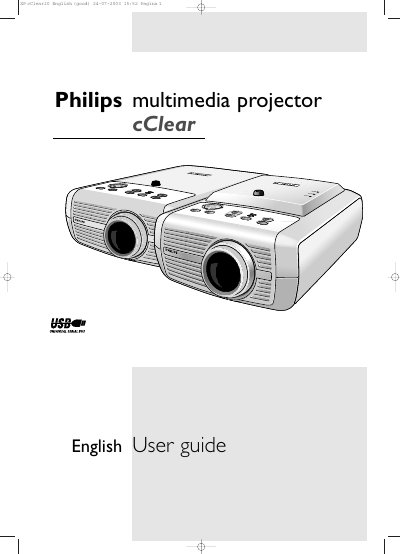
This user guide provides instructions for setting up and operating the Philips cClear XP multimedia projector. It covers controls, connections, image adjustment, menu navigation, and maintenance. The guide includes details on packaging contents, remote control functions, and optional accessories. It also explains how to adjust focus, size, and keystone correction, as well as how to connect to various video and audio sources.
The Standby indicator lights up red when the projector is in Power/Standby mode.
The Reset button resets all network settings to the default settings.
The Cursor Control button manipulates the mouse cursor on the connected computer when the menu is not active.
The Source button selects the current projection source and toggles between signals.