
The SBCVL1100 is a wireless TV link device with features such as AV source input, audio output, video output, etc. It enables wireless transmission of TV signals.
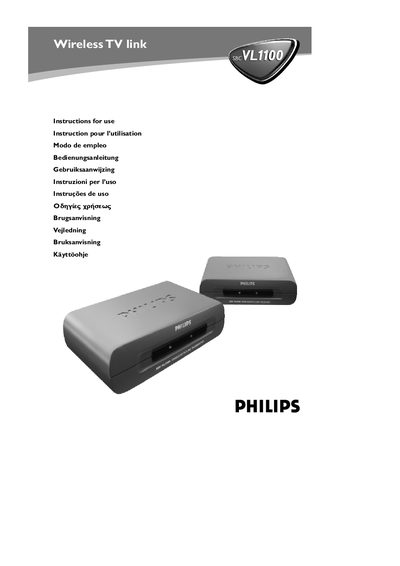
The Philips Wireless TV Link SBC VL1100 allows you to distribute any kind of video signal or cable programme throughout the house without extra wiring, running cables or drilling holes. You can watch Pay-TV or a film from your living-room video recorder on your bedroom TV, and use the original remote controls of your video sources to control them remotely from another room.
The system consists of a transmitter unit and a receiver unit, each with power, remote control receiver, ON/OFF switch, DC 9V supply socket, AV connectors, and a channel selector switch. Setup requires SCART connectors on each video source and the second TV, and two supplied SCART/RCA cables.
| Power supply | 9 V DC / 300 mA |
|---|---|
| Mains voltage | 220-240 V AC / 50Hz |
| Technology | wireless RF |
| Connector type | SCART |
It allows you to distribute any kind of video signal or cable programme throughout the house without extra wiring, running cables or drilling holes.
Yes, the original remote controls of your video sources can be used to control the video sources remotely from your bedroom.
Only connect the AC power adapters to a power supply of 220-240 V AC / 50Hz, using 9 V DC / 300 mA adapters.
Set the CHANNEL switches on both units to the same channel; if interference occurs, set both switches to another channel.