
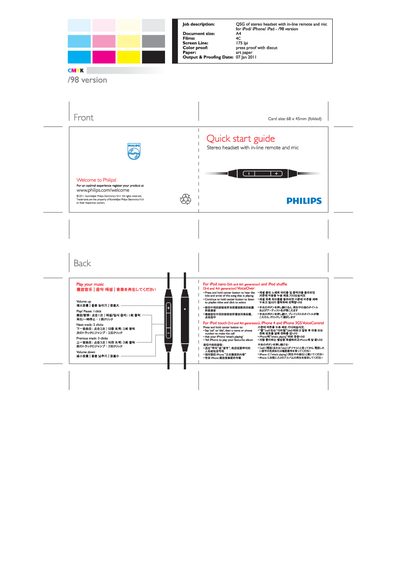
The guide introduces the Philips stereo headset with an in‑line remote and microphone, and invites users to register the product at www.philips.com/welcome. It provides a brief overview of the headset’s layout and basic functions.
Detailed button instructions are given for various Apple devices: iPod nano (5th and 6th generation) and iPod shuffle (3rd and 4th generation), iPod touch (3rd and 4th generation), iPhone 4 and iPhone 3GS. Functions include play/pause, track navigation, volume control, and voice commands.
| Document size | A4 |
|---|---|
| Front card size | 68 x 45 mm (folded) |
Press and hold the center button on the remote to play or pause the current track.