
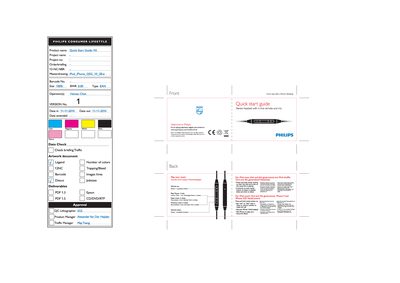
Welcome to Philips! This guide introduces the stereo headset with an in‑line remote and microphone. Register your product at www.philips.com/welcome for an optimal experience.
The remote lets you control playback: press the center button to play or pause, double‑click for the next track, triple‑click for the previous track, and single‑click the volume up or down buttons to adjust volume. Voice control works with supported iPod and iPhone models – hold the center button and speak commands such as “call” or “play”.
| Card size | 68 x 45 mm (folded) |
|---|
Press the center button once to toggle play and pause.