
This document is an electronic user manual for Philips LCD monitors, including safety measures, troubleshooting, and frequently asked questions.
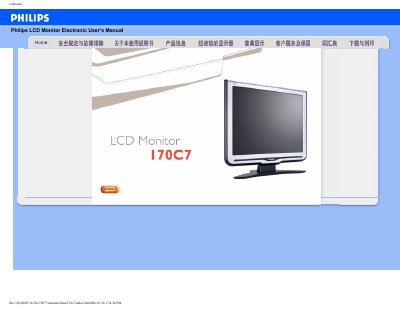
This manual covers safety precautions, proper handling, cleaning, and environmental requirements for the Philips 170C7 LCD monitor. It also explains how to adjust screen settings, use the built‑in FPadjust program, and install drivers.
Additional sections answer common questions about resolution, refresh rate, USB plug‑and‑play support, VESA mounting, and color adjustments, helping users achieve optimal display performance. This manual is written in Chinese.
| Recommended resolution | 1280x1024 |
|---|---|
| Refresh rate | 60 Hz |
| Operating temperature range | 0‑35 °C |
| Relative humidity range | 20‑80 % RH |
Set the display resolution to 1280 × 1024 at 60 Hz using the Windows display settings, then restart the computer.