
This document is an electronic user manual for Philips LCD monitors, including safety precautions, common problems, troubleshooting, etc.
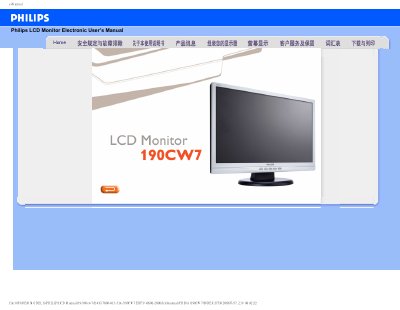
This manual covers safety precautions and proper handling of the Philips 190CW7 LCD monitor, including warnings about sunlight exposure, ventilation, cleaning, and transport. It also explains how to connect the monitor, adjust settings such as resolution and refresh rate, and use the built‑in auto‑adjust function.
The FAQ section answers common questions about video mode errors, resolution adjustment, USB plug‑and‑play support, wall‑mounting with VESA holes, and proper cleaning methods. Additional information on color settings, refresh rate relevance, and driver installation is also provided.
| Recommended resolution | 1440 × 900 |
|---|---|
| Refresh rate | 60 Hz |
| Operating temperature | 0 °C – 40 °C |
| Relative humidity | 20 % – 80 % RH |
| VESA mounting | 4 standard holes |
Open Windows Control Panel, select Display Properties, and choose the desired resolution from the list.
Use a soft, slightly damp cloth; for thorough cleaning, use isopropyl alcohol. Avoid organic solvents such as ethanol, acetone, or ammonia.